
Why learn Computer Vision
with EduMonk?
Build computer-vision pipelines from pixels and classical image processing through convolutional networks, transfer learning, detection and responsible evaluation.
The online syllabus follows a deliberate rhythm: learn the underlying concept, apply it in guided practice, confirm it with a checkpoint, and connect it to a project decision. By the end, you will have more than lesson completion—you will have evidence you can discuss.
Start learning for ₹1,650 today.
For the Computer Vision Certificate of Specialisation, pay ₹1,650 now and the remaining ₹1,500 next month. The two payments together cover the complete ₹3,150 programme fee.
Build the skills
behind your career.
Technical knowledge is only one part of becoming career-ready. Your Computer Vision enrolment also includes a focused professional-development journey at no additional cost.
FREE
EduMonk Career Edge
60-Day Soft Skills & Career Readiness Program
Spend approximately 20 minutes every day developing the communication, confidence, workplace and career-readiness skills that complement your technical education.
What you'll learn in Computer Vision.
Every outcome uses an observable action—something you can build, evaluate, explain or improve.
Where Computer Vision is used
Use the programme workflow to frame, build and evaluate visual quality inspection.
Use the programme workflow to frame, build and evaluate document image processing.
Use the programme workflow to frame, build and evaluate object recognition.
Use the programme workflow to frame, build and evaluate image search and classification.
Computer Vision skills
you'll build.
The programme develops eight connected skills and gives each one a place in the syllabus, lab work or assessment.
Your 2-month Computer Vision
learning plan.
A sustainable sequence that gives you time to understand, practise and produce useful work.
Enter AI foundations
Complete Introduction to Computer Vision and Python & OpenCV Fundamentals.
Build with data and ML
Complete Image Processing Fundamentals, Image Filtering & Edge Detection and the Level 1 projects.
Apply modern AI
Work through Modules 5–8 and complete the applied AI projects.
Understand generative systems
Complete Building CNNs with TensorFlow & Keras and Image Data Preparation.
Build AI applications
Practise Data Augmentation and Transfer Learning.
Integrate, evaluate & demonstrate
Complete the remaining Level 3 modules and deliver the final specialisation capstone.
Computer Vision syllabus:
25 modules, 30 hours.
This is the complete planned syllabus for the Computer Vision Certificate of Specialisation. The 25 focused modules combine concept learning, hands-on practice and completion checks across the two-month journey.
Build practical capability in introduction to computer vision.
01What is Computer Vision?Lesson
02Artificial Intelligence and Computer VisionLesson
03Machine Learning vs Computer VisionLesson
04Deep Learning in Computer VisionLesson
05How computers understand imagesLesson
06PixelsLesson
07Image dimensionsLesson
08ResolutionLesson
Time includes lesson study, guided practice, checkpoint preparation and project integration. Learners may spend longer when extending project work.
Hands-on Computer Vision
course projects.
Build 9 practical applications across the syllabus's progressive levels. The 3 capstones ask you to combine each level's skills, evaluate the result and explain the decisions behind it.
Document Scanner Application
Build, test and document a practical document scanner application using the skills developed in Level 1.
Shape & Colour Detection System
Build, test and document a practical shape & colour detection system using the skills developed in Level 1.
Automatic Number Plate Recognition System
Build, test and document a practical automatic number plate recognition system using the skills developed in Level 1.
Image Classification System
Build, test and document a practical image classification system using the skills developed in Level 2.
Real-Time Object Detection Application
Build, test and document a practical real-time object detection application using the skills developed in Level 2.
Plant Disease Detection System
Build, test and document a practical plant disease detection system using the skills developed in Level 2.
Smart Attendance System Using Face Recognition Concepts
Build, test and document a practical smart attendance system using face recognition concepts using the skills developed in Level 3.
Real-Time Traffic Vehicle Detection & Counting System
Build, test and document a practical real-time traffic vehicle detection & counting system using the skills developed in Level 3.
Intelligent Visual Inspection & Defect Detection Platform
Build, test and document a practical intelligent visual inspection & defect detection platform using the skills developed in Level 3.
Computer Vision tools you'll work with
How the Computer Vision
course is assessed.
Your result reflects steady application across the programme—not one high-pressure exam.
Module checkpoints
25 focused checks confirm that core concepts and terminology are secure.
Hands-on labs
Every module includes a guided lab tied directly to the syllabus.
Level projects
Complete 6 focused Computer Vision builds across the three levels.
Capstone projects
Plan, build, test and explain 3 progressively more complete solutions.
Certificate eligibility
Complete all required modules, submit the assignments and capstone, and achieve at least 60% overall.
Who should take this
Computer Vision course?
College students
Build practical Computer Vision evidence alongside your academic work.
Working professionals
Use Computer Vision to strengthen your current role or move towards artificial intelligence work.
Builders & analysts
Turn concepts into a guided project, capstone and documented decisions.
Career switchers
Follow a clear starting path with no assumption of professional experience.
Computer Vision course prerequisites
- Basic Python
- High-school algebra
- Deep-learning basics helpful
- A willingness to practise and complete the capstone
Computer Vision career paths
and applications.
This programme does not promise a job. It helps you build relevant capability and evidence for conversations around roles such as:
Computer Vision guides,
roadmaps and comparisons.
Use these editorial resources to understand where Computer Vision fits, what a sensible learning path looks like and how to turn the subject into project evidence.
 Beginner guideArtificial Intelligence · Beginner guide · 10 min readComputer vision for beginners
Understand computer vision tasks, image data, transfer learning, evaluation, responsible use and a manageable first vision project.
Read the guide ↗ Beginner guideArtificial Intelligence · Beginner guide · 11 min readDeep learning for beginners
A clear beginner guide to neural networks, layers, training, overfitting, evaluation and choosing a manageable first deep-learning project.
Read the guide ↗ Project guideArtificial Intelligence · Project guide · 11 min readMachine learning project guide
Build a credible machine-learning project through target definition, clean data splits, baselines, evaluation, error analysis and reproducible documentation.
Read the guide ↗Your Computer Vision
Certificate & LOR.
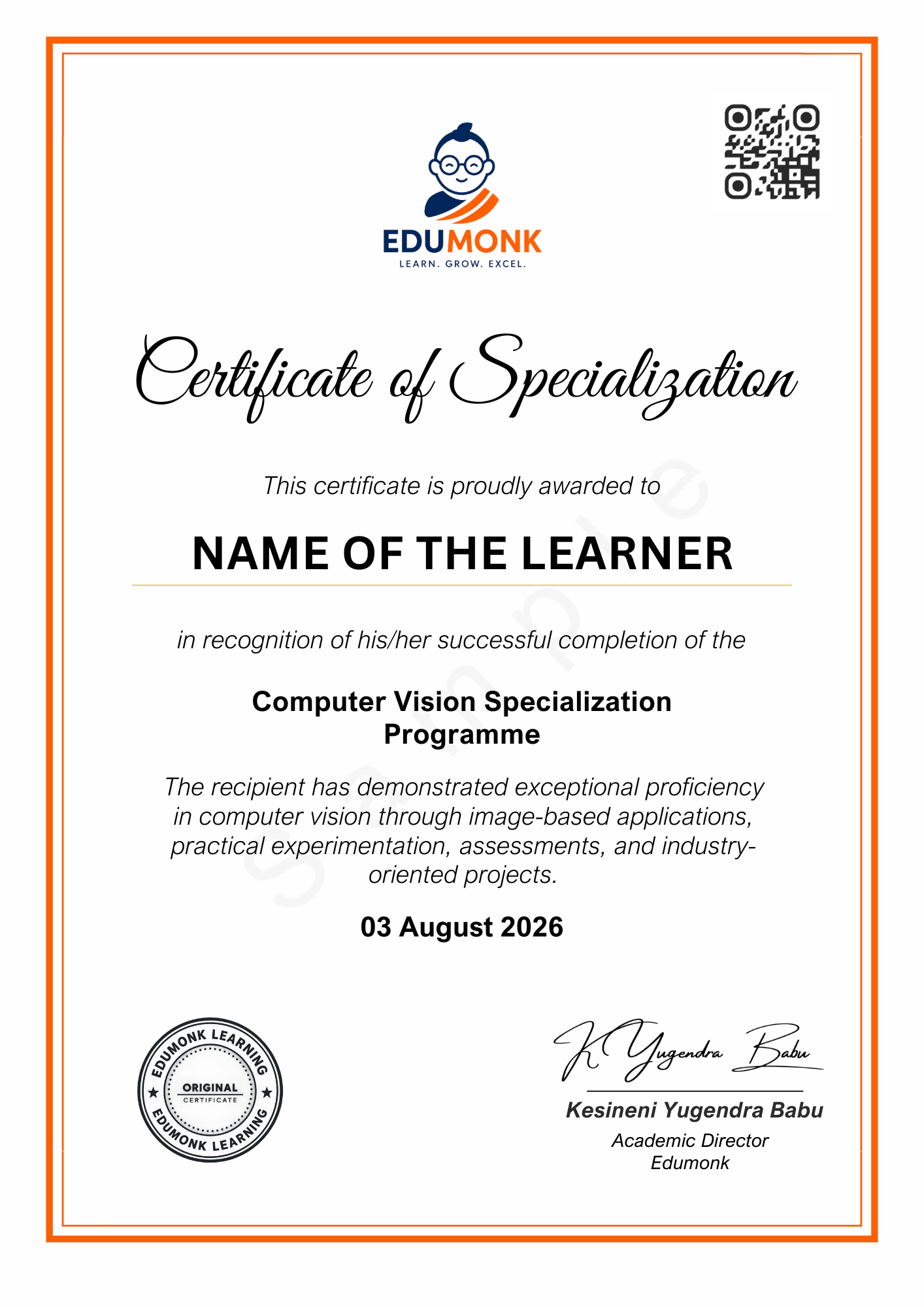
Learners who successfully meet all programme completion requirements receive an EduMonk Certificate of Specialisation and a programme-specific Letter of Recommendation. Both documents are issued as soft copies, and hard copies are dispatched by post to the learner address on record.
Computer Vision Certificate of Specialisation
Computer Vision Letter of Recommendation
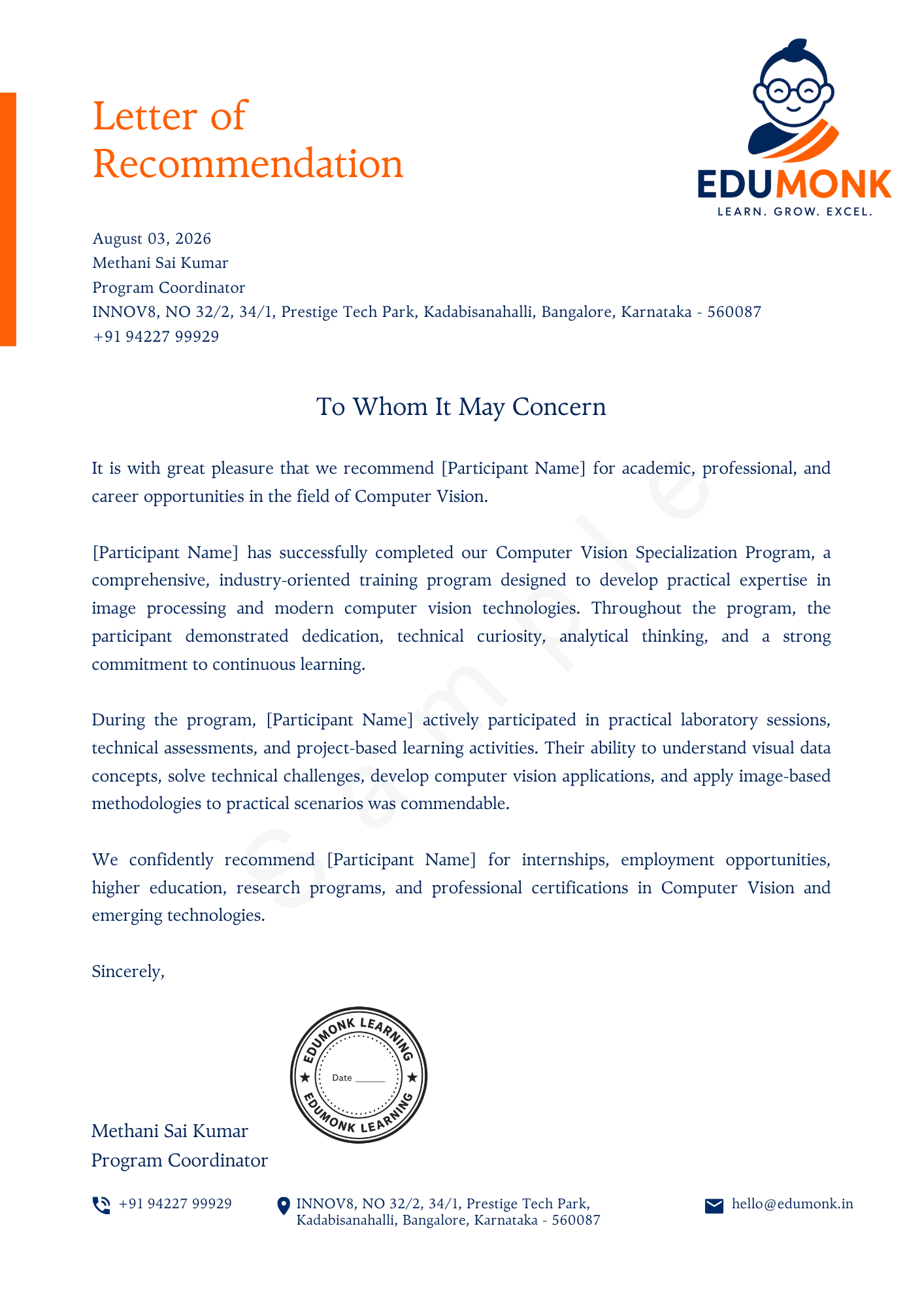
About these samplesFinal documents are personalised with the completed learner's name, programme record, dates and identifiers. Sample names and details are illustrative. Please keep the postal address in your learner record accurate for hard-copy dispatch.
Computer Vision course FAQs.
Is this specialisation beginner friendly?+
Computer Vision is marked intermediate. The syllabus begins with foundations and states any useful prior knowledge clearly. Professional experience is not required.
Is this a real 30-hour syllabus?+
Yes. The programme contains 25 focused modules with concept learning, hands-on practice and knowledge checks, planned across 30 learning hours in total.
What will I build?+
You will complete 9 projects across three levels, including 3 capstones. The sequence begins with Document Scanner Application and culminates in the Intelligent Visual Inspection & Defect Detection Platform.
How are learners assessed?+
Completion combines module checkpoints, hands-on labs, a guided project and the final capstone. A minimum overall score of 60% is required for certificate eligibility.
What support is included?+
Your enrolment includes the complete sequenced learning experience, downloadable resources, project guidance and learner support through the connected external learner portal.
Is EduMonk Career Edge included?+
Yes. This Certificate of Specialisation includes complimentary access to EduMonk Career Edge, a 60-day Soft Skills & Career Readiness Program with one focused lesson of approximately 20 minutes each day. Career Edge adds ₹0 to your ₹3,150 programme fee.
How do payment and programme access work?+
The Enrol Now button opens this specialisation’s secure Razorpay Payment Page. EduMonk does not collect card, UPI or bank credentials. After the payment is confirmed, access to this specialisation and EduMonk Career Edge is prepared manually and sent to your registered email within 4 hours.
What certificate will I receive?+
After meeting the completion requirements, you will earn a verifiable EduMonk Certificate of Specialisation in Computer Vision.
Which completion documents are issued?+
Learners who successfully meet the Computer Vision completion requirements receive a soft-copy Certificate of Specialisation and programme-specific Letter of Recommendation. Hard copies of both documents are also dispatched by post to the learner address on record.
How long can I access the programme?+
The structured learning journey lasts 2 Months. Access details, completion records and earned credentials are managed through the connected external learner portal.